Audacity is a free, open-source, cross-platform audio editing and recording software that allows users to record, edit, and manipulate audio tracks with ease.
Recording Capabilities: Record live audio through a microphone or mixer.
Noise Reduction: Remove background noise from audio recordings.
Audio Effects: Apply various effects like reverb, echo, pitch change, and equalization.
Cut, Copy, and Paste Editing: Basic editing tools for trimming and rearranging audio clips.
Import and Export Options: Supports a wide range of audio formats, including WAV, MP3, and OGG.
Spectrogram View: Visualize frequency changes in audio tracks.
Plugins Support: Extend functionality with support for VST, LADSPA, and Nyquist plugins.
Batch Processing: Apply effects and edits to multiple files at once.
Audio Speed and Pitch Control: Adjust the speed and pitch of audio without changing the quality.
Use Cases:
Podcast Production: Edit and produce high-quality podcasts by trimming, enhancing, and exporting audio.
Music Production: Record instruments, mix tracks, and apply audio effects for music creation.
Voiceovers: Record and edit voiceover tracks for videos or presentations.
Interview and Field Recording: Record live interviews or field sounds and edit them for broadcast or publication.
Sound Design: Create sound effects or manipulate audio for film, games, and multimedia projects.
Educational Projects: Used in schools and universities to teach audio editing and production techniques.
How Audacity Works:
Recording: Users can record audio from a microphone or other inputs directly into the software.
Importing Audio: Users can import audio files in various formats for editing and processing.
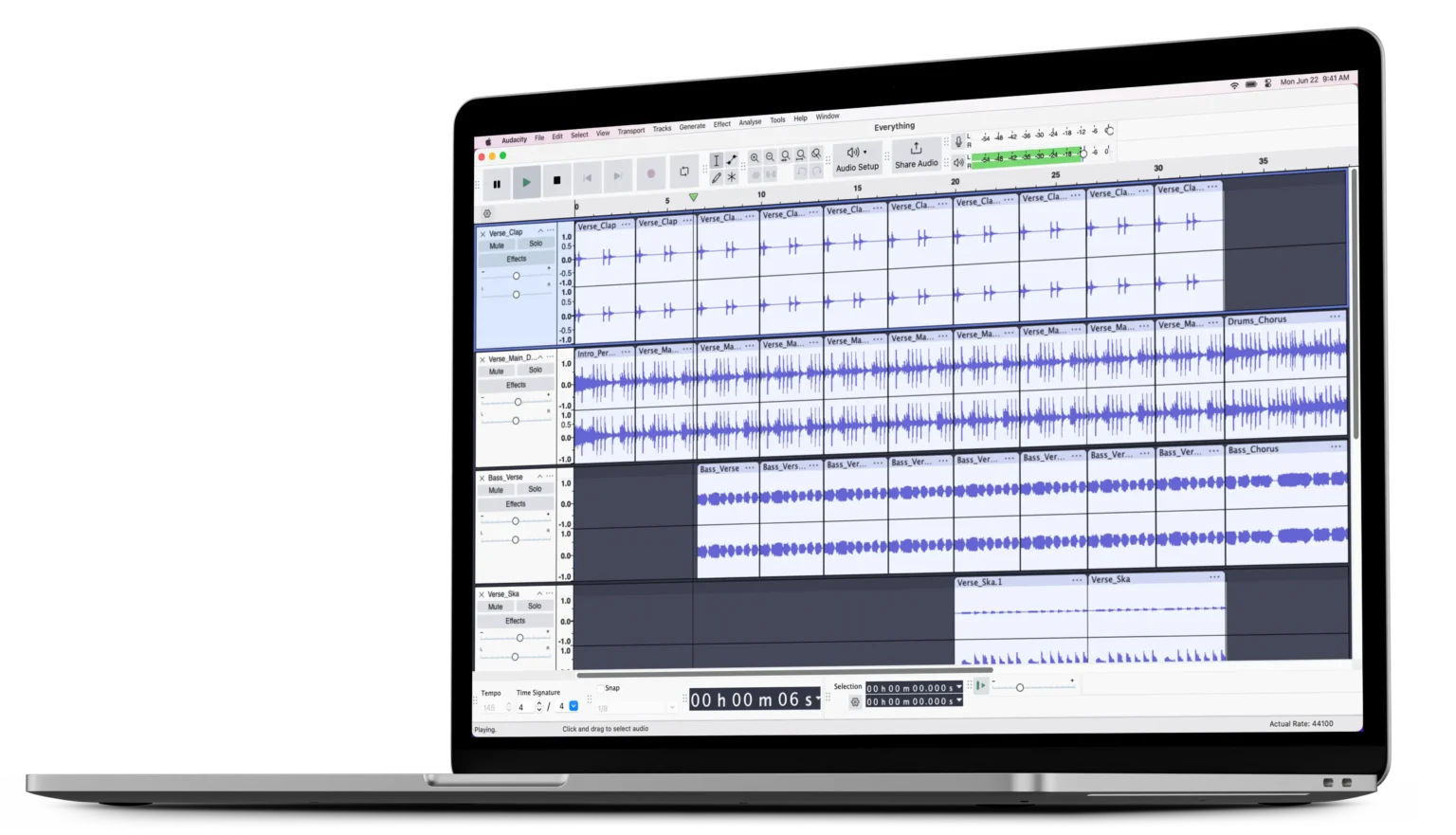
Editing: Users can cut, trim, copy, and arrange audio segments on a timeline.
Applying Effects: Effects like noise reduction, reverb, or equalization can be applied to enhance audio.
Exporting Files: Users can export their edited audio in multiple formats, including MP3, WAV, and FLAC.
Plugin Usage: Users can extend functionality by adding plugins to incorporate new effects or processes.
Frequently Asked Questions
Is Audacity free to use?
Yes, Audacity is completely free and open-source. It can be downloaded and used without any cost on Windows, macOS, and Linux.
What audio formats does Audacity support?
Audacity supports various audio formats, including WAV, AIFF, FLAC, MP3, OGG, and more. You can also export your edited audio in multiple formats.
Can I record audio directly in Audacity?
Yes, Audacity allows you to record audio directly through your computer’s microphone or any other external input device.
Does Audacity support multi-track editing?
Yes, Audacity supports multi-track audio editing, enabling you to work with multiple audio tracks simultaneously for complex projects like music or podcasts.
Can I remove background noise using Audacity?
Yes, Audacity has a built-in noise reduction feature that allows you to reduce or remove background noise from your audio recordings.
Is Audacity good for beginners?
Yes, Audacity is user-friendly and suitable for beginners. It has a simple interface and numerous tutorials available online to help new users get started.
Can Audacity be used for professional audio production?
Yes, although Audacity is free, it offers professional-level features like multi-track editing, effects, and plugins, making it suitable for professional audio production projects like music, podcasts, and sound design.