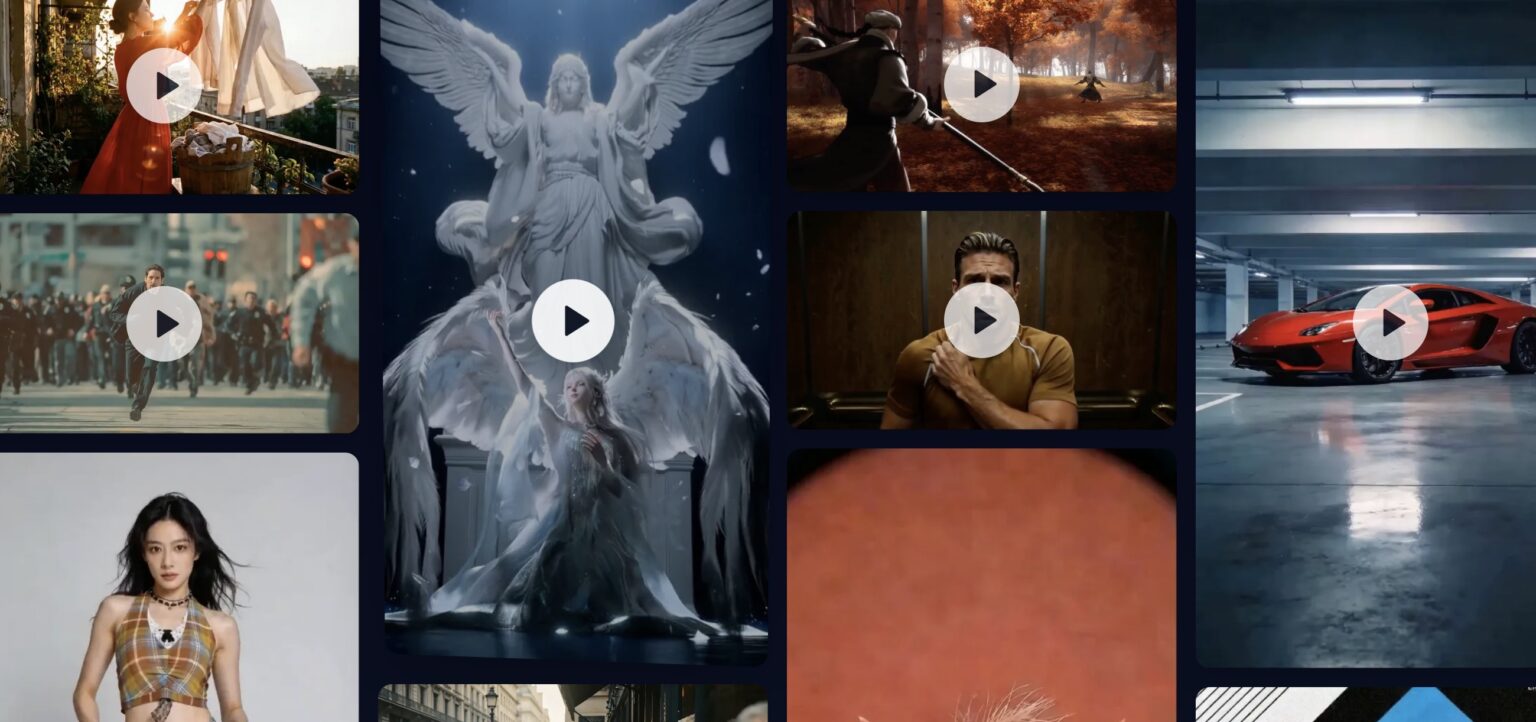
Seedance 2 is an online AI-powered video generation platform that lets people create short, high-quality videos from simple text prompts or static images using artificial intelligence. It uses an advanced generative model (Seedance 2.0) designed for cinematic visual output and smooth motion.
Key Features
Text-to-Video generation – Write a description of a scene, characters, action, camera movement, or style, and the AI creates a video based on that prompt.
Image-to-Video transformation – Upload one or two images and the platform animates them into short dynamic clips with natural motion and transitions.
Cinematic quality output – Videos support multiple aspect ratios (like 16:9, 9:16) and resolutions up to 1080p, with smooth motion synthesis and multi-shot storytelling.
Customization – You can choose video duration, style, camera motion, and other settings directly on the site before generating the video.
Who It’s For
Creators and storytellers who want to turn ideas into engaging visual content without traditional video editing skills.
Marketers & brands looking to make promotional or social media clips quickly.
Educators, artists, and businesses aiming to produce visual narratives, product showcases, or animated explanations.
How It Works
You enter a text prompt describing the scene or upload images you want to animate.
Set options like resolution, duration, and aspect ratio.
Click Generate — the AI processes your request and creates a short video based on what you provided.
Frequently Asked Questions
How does text-to-video generation work?
You describe a scene, action, or style in text, and the AI generates a short video that visually matches your prompt.
Can I turn images into videos?
Yes, you can upload one or more images and animate them into dynamic video clips with natural motion.
Do I need video editing experience to use it?
No, the platform is designed for beginners and does not require any traditional video editing skills.
What types of videos can I create?
You can create cinematic scenes, social media clips, storytelling videos, promotional content, and visual concepts.
Can I edit or customize the videos?
Yes, you can control settings like video length, aspect ratio, resolution, style, and motion before generating.
Is Seedance2.ai web-based?
Yes, everything runs in the browser—no software installation is required.