
AI
Pricing: $29/mo.
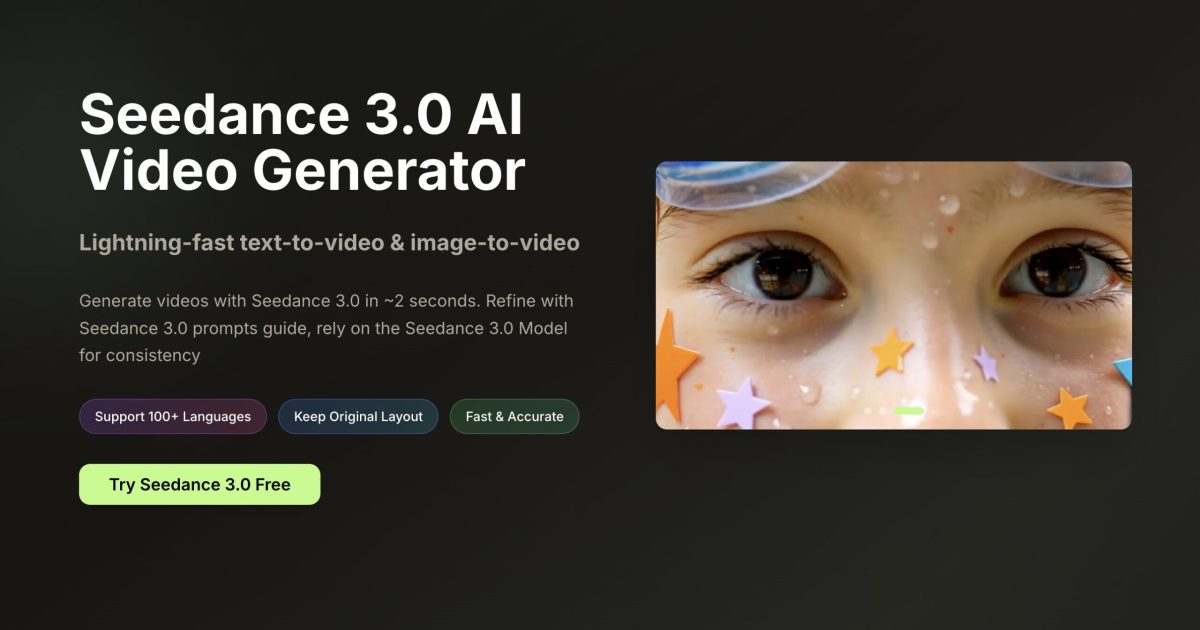
About Seedance 3.0 Video
Seedance 3.0 Video (seedance3ai.app) is an AI-powered video generation platform designed to transform text descriptions and static images into high-quality, professional videos. It utilizes advanced AI models to simplify the video creation process for creators, marketers, and storytellers.
Features
Text-to-Video: Generates cinematic videos based on simple text prompts.
Image-to-Video: Animates uploaded photos or graphics into dynamic video clips.
Lightning-Fast Generation: Produces video results in as little as 2 to 30 seconds.
Audio Sync: Automatically generates and synchronizes stereo audio and sound effects with visual movements.
Director Controls: Allows users to guide character appearance, camera angles, lighting, and composition using multi-modal references.
Stable Motion: Uses advanced physical accuracy to ensure smooth movements and reduce “AI wobbliness.”
Multi-Resolution Support: Offers various aspect ratios (16:9, 9:16, 1:1, etc.) and qualities up to 1080p Full HD.
AI Video Tools: Includes built-in tools for video enhancement and background removal.
Use Cases
Social Media Content: Creating viral clips for platforms like TikTok, Instagram Reels, and YouTube Shorts.
Marketing & Advertising: Developing eye-catching product demos, commercials, and promotional campaigns.
Storytelling & Filmmaking: Producing narrative-driven short films or animated storyboards.
E-commerce: Generating professional-grade product showcase videos for online stores.
Business Presentations: Enhancing corporate slides and explainers with engaging visual content.
How It Works for the User
Choose a Mode: The user selects whether they want to start with a text prompt or an image upload.
Input Content: The user enters a detailed description of the scene or uploads the starting image they want to animate.
Adjust Settings: The user configures video parameters such as aspect ratio, duration (e.g., 5 or 10 seconds), and video quality.
Generate: The user clicks the “Generate” button, and the AI processes the request in seconds.
Refine & Download: The user can preview the result, use “Smart Expansion” to refine the prompt for better results, and download the final HD video.
Frequently Asked Questions
It is ByteDance’s latest AI video generation model (often integrated with platforms like Dreamina/Jimeng). It allows users to create cinematic videos from text or images with advanced “director” controls and native audio synchronization.
The platform typically offers a free trial with limited credits for new users. After the initial credits are used, you must subscribe to a plan (Basic, Professional, or Enterprise) to continue generating videos.
It supports high-definition outputs up to 1080p Full HD. Supported aspect ratios include 16:9 (widescreen), 9:16 (vertical/TikTok style), 1:1 (square), and several others like 4:3 and 21:9.
Yes. One of its standout features is Native Audio Sync, which automatically generates stereo sound effects that perfectly match the actions and movements in the video.
Low-effort reviews like “Great app, I love it” or “I didn’t like it” aren’t very helpful for users or app creators. Please tell us more about your experience.
Ratings
Great0%
Good0%
Decent0%
Bad0%
Terrible0%
Pricing: $19.99/mo.
Start for free.

Pricing: $9.99/mo.
Start for free.
There are no similar tools
ResetThis site is protected by reCAPTCHA. Google Privacy Policy and Terms of Service apply.