Affinity Designer

Create stunning designs, concept art, and illustrations with this vector graphics editor.

Pricing: $69 (One-Time).

Start for free.

Youtube video

About Affinity Designer

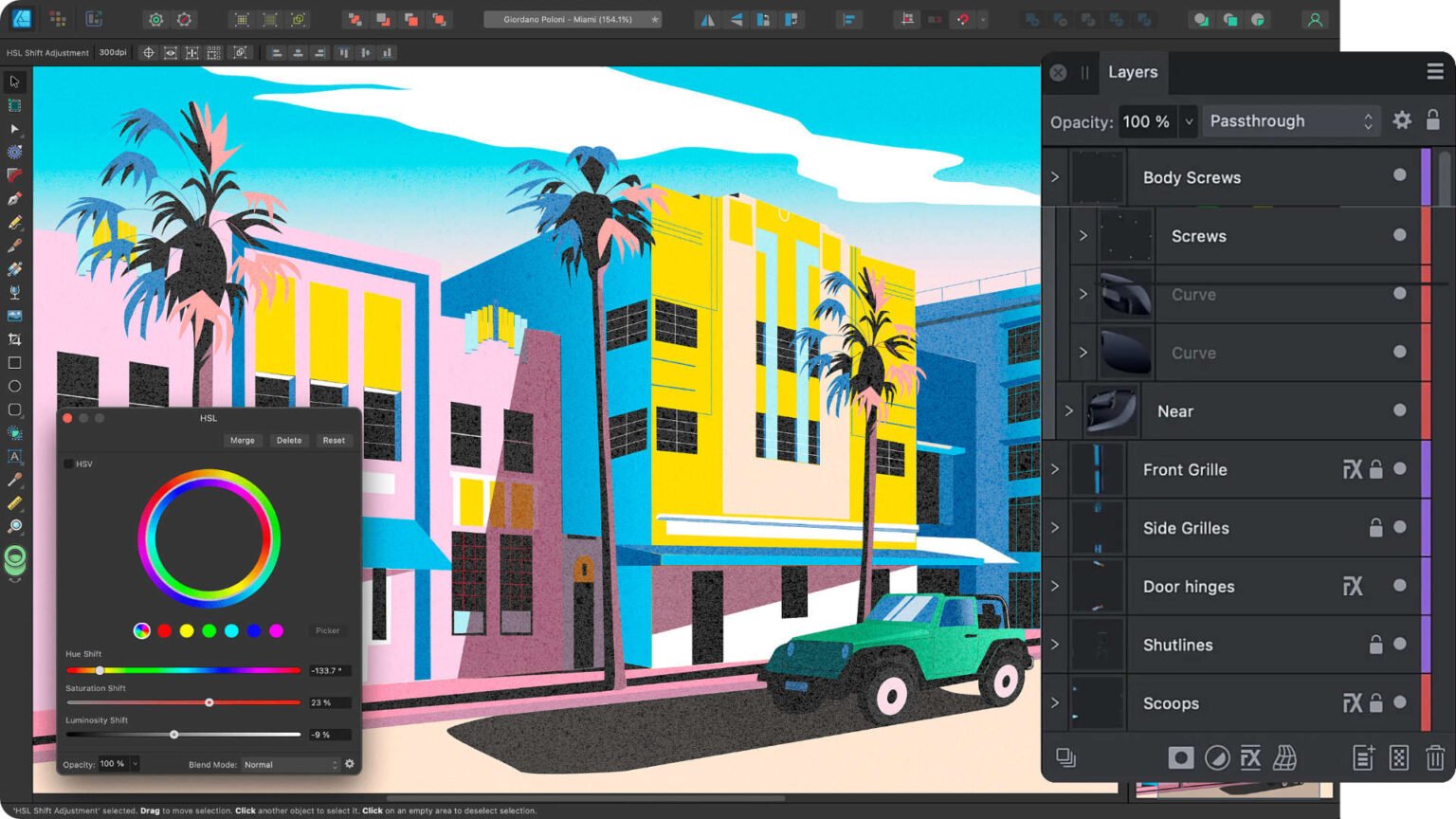
Affinity Designer is a vector graphics editor developed by Serif for macOS, iPadOS, and Microsoft Windows.

It is known for its powerful features, affordable price, and ease of use, making it a popular alternative to Adobe Illustrator.

Key Features:

  • Vector and raster workspace: Seamlessly switch between vector and raster environments within the same document.
  • Non-destructive editing: Edit images and designs without permanently altering the original data.
  • Professional tools: Wide array of tools for drawing, painting, typography, and more.
  • Real-time performance: 60fps pan and zoom, live previews for effects and adjustments.
  • Extensive file format support: Compatible with popular formats like PSD, SVG, PDF, EPS, and more.
  • Customizable UI: Tailor the workspace to your preferences.

Use Cases:

  • Graphic design: Creating logos, illustrations, icons, and other visual elements.
  • Web design: Designing website layouts, user interfaces, and web graphics.
  • Marketing and advertising: Crafting brochures, flyers, social media graphics, and other promotional materials.
  • Print design: Producing high-quality print materials like magazines, posters, and business cards.
  • Concept art and illustration: Creating artwork for games, comics, and other media.

How Affinity Designer Works:

  • Intuitive interface: User-friendly design makes it easy to learn and use.
  • Flexible workflows: Supports various design processes and techniques.
  • Powerful tools: Wide range of tools for creating and editing vector and raster graphics.
  • Performance: Smooth and responsive even with complex projects.
  • Community and resources: Active community forums and tutorials for learning and troubleshooting.