Figma

AI

Design wireframes and prototypes for your website/app with this cloud-based collab tool.

Pricing: $15/mo.

Start for free.

Youtube video

About Figma

Figma.com is a powerful web-based design tool that simplifies collaboration and streamlines the design process from ideation to development.

Key Features:

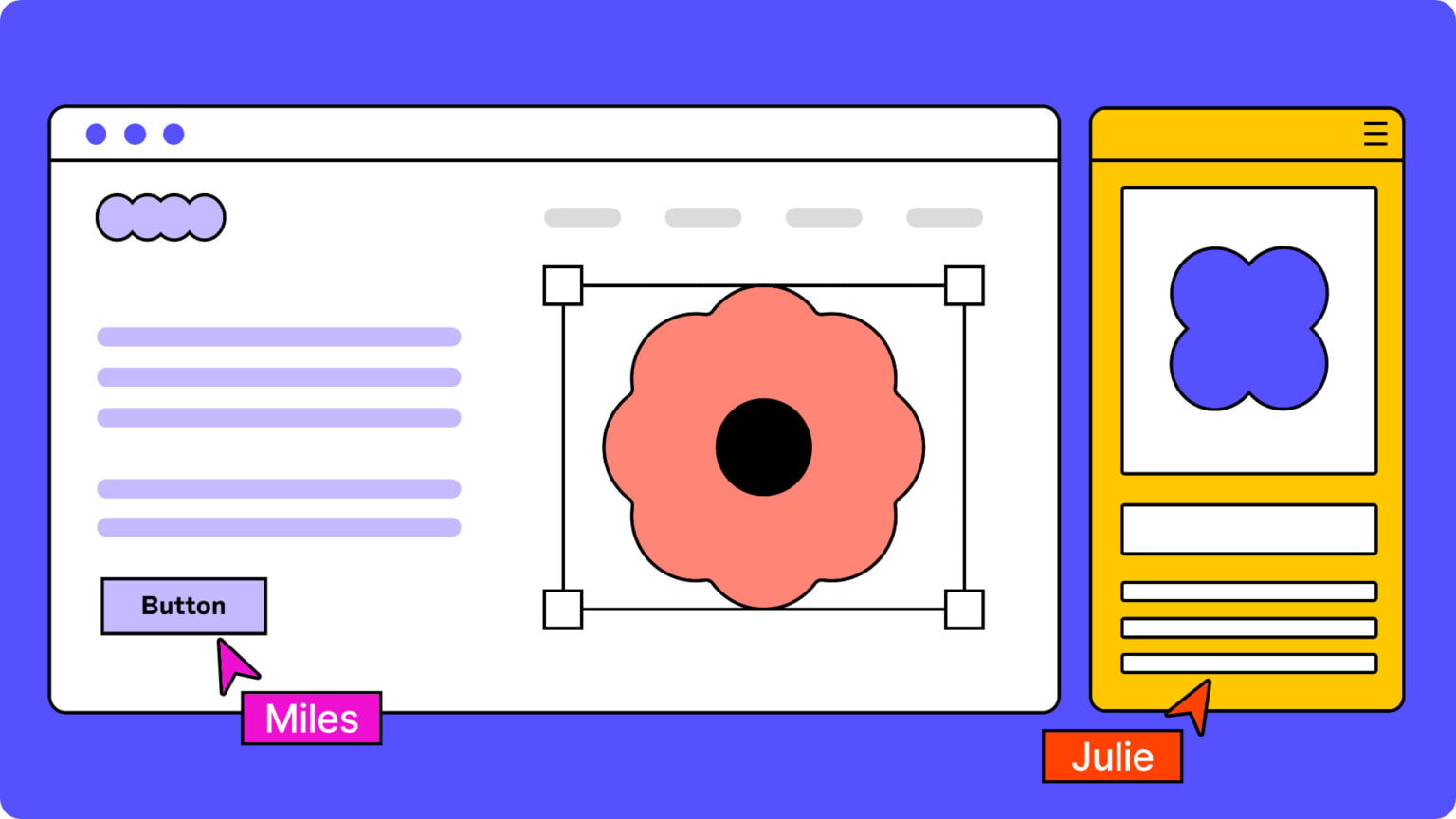
  • Real-time collaboration: Multiple users can work on the same design simultaneously, seeing each other’s changes in real-time.
  • Vector editing: Create and edit scalable vector graphics for designs that look sharp at any size.
  • Prototyping: Build interactive prototypes to simulate user flows and interactions.
  • Design systems: Create and manage reusable components and styles to maintain consistency across projects.
  • Developer handoff: Generate code snippets and specifications for developers to implement designs.
  • Plugins and integrations: Extend Figma’s functionality with a wide range of plugins and integrations with other tools.

Use Cases:

  • UI/UX design: Create user interfaces and user experiences for websites, mobile apps, and other digital products.
  • Web design: Design and prototype website layouts and interactions.
  • Mobile app design: Create wireframes, mockups, and prototypes for mobile apps.
  • Icon design: Design icons and other graphic elements for digital products.
  • Branding and marketing: Create visual assets for branding and marketing campaigns.

How Figma.com Works:

  1. Create or join a project: Start a new project or join an existing one with other collaborators.
  2. Design on the canvas: Use Figma’s tools to create and edit designs on the canvas.
  3. Build prototypes: Link design elements together to create interactive prototypes.
  4. Share and collaborate: Share designs with others for feedback and collaborate in real-time.
  5. Handoff to developers: Generate code snippets and specifications for developers to implement the designs.