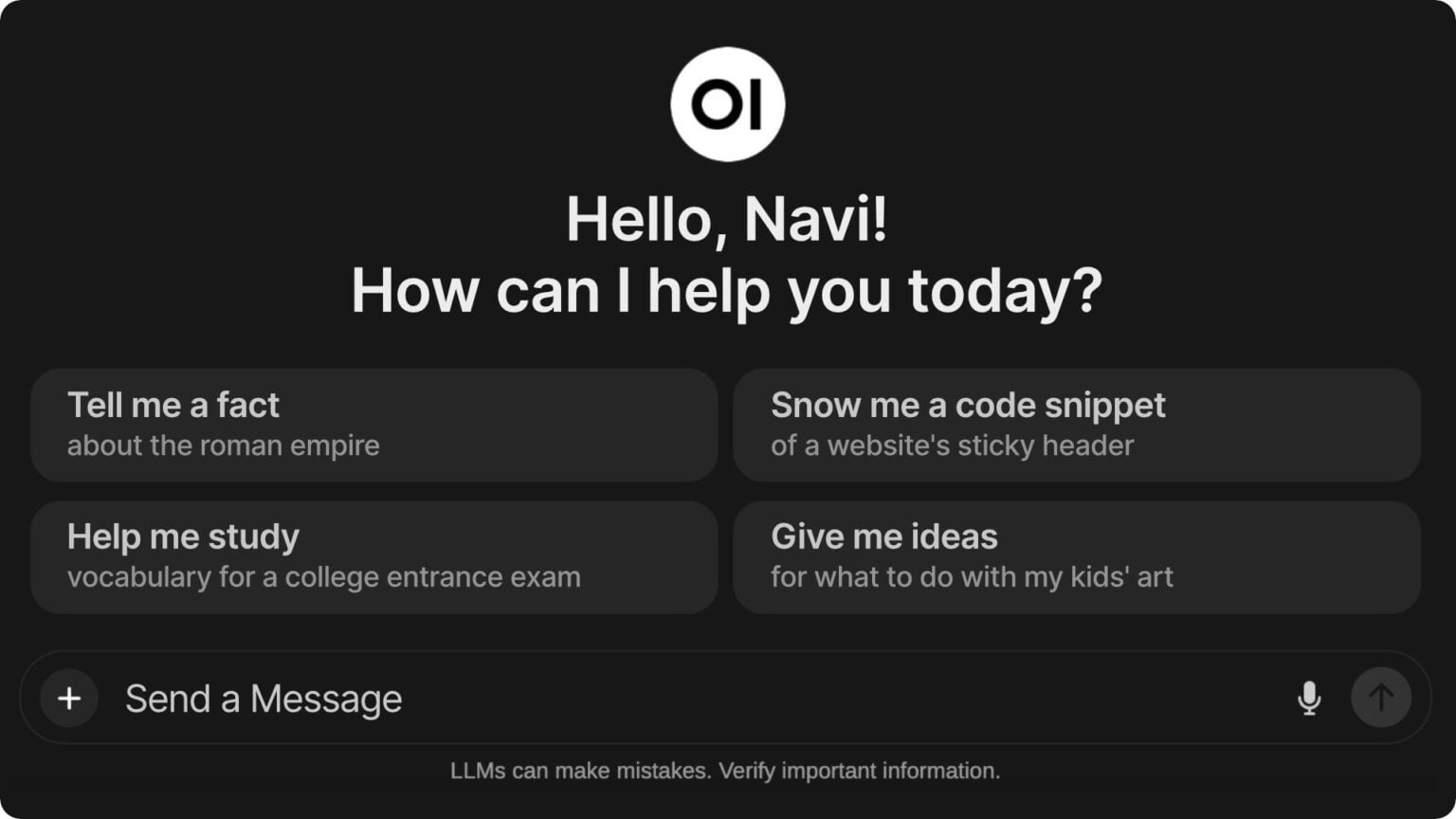
OpenWebUI.com is an open-source project that provides a user-friendly web interface for interacting with large language models (LLMs).
Key Features:
Offline operation: Interact with LLMs entirely offline.
Open-source: The software is open-source, allowing for community contributions and customization.
Self-hosted: Users can host the software locally, providing greater control and security.
User-friendly interface: The interface is designed to be intuitive and easy to use.
Responsive design: The interface adapts to different screen sizes and devices.
Theme customization: Users can customize the appearance of the interface to their preferences.
Code syntax highlighting: The interface supports syntax highlighting for different programming languages.
Use Cases:
Offline language translation: Users can interact with an LLM offline to translate text from one language to another, without requiring an internet connection.
Offline writing assistance: Writers can use Open WebUI to get writing prompts, feedback, and suggestions from an LLM without the need for an internet connection.
Offline creative writing: Writers can use Open WebUI to generate creative ideas, plotlines, and characters, with the help of an LLM.
Offline customer support: Customer service representatives can use Open WebUI to provide support to customers offline, using an LLM to answer frequently asked questions and provide assistance.
How OpenWebUI.com Works:
Installation: Users can download and install Open WebUI on their local machine or server.
Configuration: Users can configure the software to suit their needs, such as setting up the LLM runners (like HuggingFace, LangChain, Llama.cpp, Llamafile, and Ollama), RAG integration, and other features.
Prompt input: Users can input prompts for the LLM to process, which can be saved as presets for easy access.
Response generation: The LLM processes the input prompt and generates a response, which is displayed in the interface.